Me and You Controls Reference
Keyboard and controller basics for online, split-screen, and Remote Play sessions.
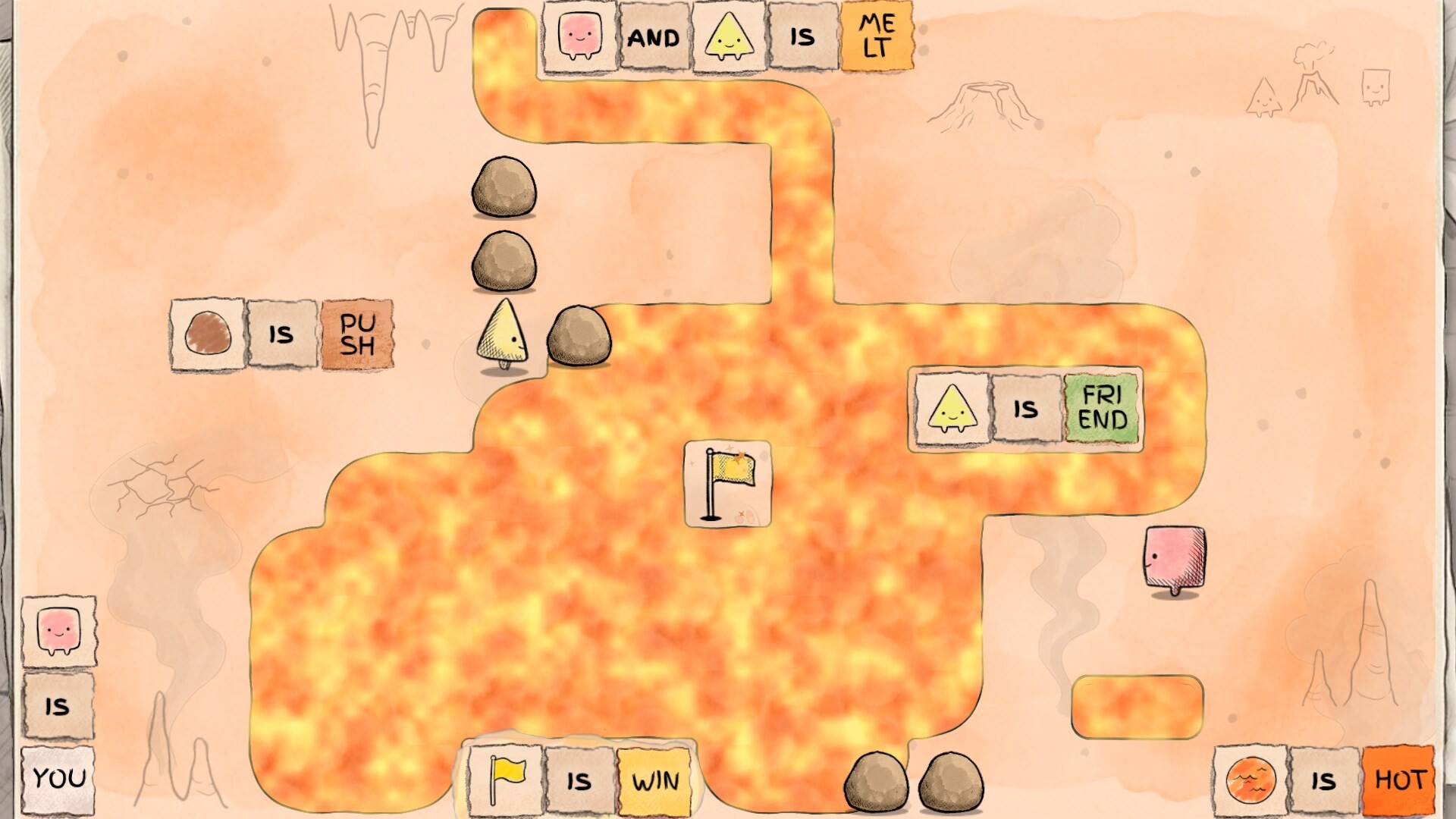
Full controller support matters
Steam lists full controller support for Me and You, alongside keyboard/mouse play. That is excellent news for couch co-op, mixed input pairs, and anyone who thinks better with a pad in hand while reading word tiles on a TV. This page explains how to think about bindings, how to sync callouts with a partner, and what to verify in Steam Input—without inventing a fake official glyph chart the studio has not published in a single canonical image.
Always open the in-game options or Steam’s controller configurator if a prompt on your device differs from the patterns below. After rebinding, tell your partner the new names before the next push.
Keyboard patterns (typical puzzle layout)
Many grid puzzlers use some mix of the following. Confirm in your build:
| Action | Common keys |
|---|---|
| Move | WASD or Arrow keys |
| Confirm / interact (if any) | Enter / Space |
| Undo | Z or Backspace |
| Restart level | R |
| Pause / menu | Esc |
If your partner uses arrows while you use WASD on shared/split-screen, sit so elbows do not collide. On online play, say “undoing”before you hit the key so they do not simultaneously push a tile you are about to revert.
Controller patterns
With full controller support enabled:
| Action | Common pad mapping |
|---|---|
| Move | Left stick or d-pad |
| Undo | Face button (often B / Circle style) or shoulder—check your template |
| Restart | Select / View / Touchpad click variants—verify in Steam |
| Pause | Start / Menu |
Prefer d-pad for single-tile precision when sticks feel floaty. If Steam Auto enables a community layout, read the on-screen legend once together. Disable gyro or advanced layers you do not need; accidental flicks ruin sentence alignment.
Mixed input co-op
One keyboard + one controller is a supported social configuration in spirit even when you play online on two PCs. Problems to preempt:
- Vocabulary drift — “Push up”is fine; “Hit north on WASD”confuses pad players. Use board directions instead of hardware names when possible.
- Undo wars — Assign undo privileges per level or require a voice confirm.
- Menu focus — Only one player should drive options screens on shared machines.
More human-process advice lives in co-op tips.
Steam Input quick checklist
- Plug in the pad before launching.
- Open Steam — Me and You — Controller layout.
- Pick a simple official or highly rated community template.
- Test move, undo, restart, pause in the first demo room.
- Screenshot your layout to share with a Remote Play guest.
Remote Play Together guests inherit the streaming session—host bindings still matter. If the guest brings their own pad, test a full move cycle before Chapter 1’s harder rooms.
Accessibility and comfort tweaks
- Lower stick sensitivity or switch to d-pad if overshooting word tiles.
- Increase TV text clarity / sit closer; rule games are reading games.
- Remap undo to a bumper if face buttons feel cramped.
- Take stretch breaks; precision pushing tires thumbs.
Practice drill (five minutes)
In an early demo level from Getting Started:
- Walk a full loop without pushing words.
- Undo three times on purpose.
- Restart once on purpose.
- Swap devices if you have two input methods and repeat.
Confidence with undo is more important than raw speed. Rule discovery depends on fearless experimentation.
Related references
- Mechanics: How to Play
- Words: Rule Glossary
- Machines: System Requirements
- Hints: Demo Walkthrough
When the full game launches on November 25, 2026, revisit this page if new advanced binds appear. Until then, keep inputs simple, announce undos, and let the sentences—not the sticks—be the hard part.
Frequently Asked Questions
Quick answers to the most common questions.
Does Me and You support controllers?
Yes. Steam lists full controller support. Verify your layout in Steam Input and test undo/restart before hard puzzles.
Can one player use a keyboard and the other a controller?
Yes—common for local and online pairs. Align directional callouts using co-op tips.
Where do I rebind keys?
Use in-game options if available, or Steam’s per-game controller/keyboard configurator. Rebind between levels, not mid-push.
What should we practice first?
Movement, undo, and restart in the demo’s earliest rooms after Getting Started.