Me and You Tools & References
Controls, system requirements, and a Baba-inspired rule glossary for co-op nights.
Why a Tools hub exists
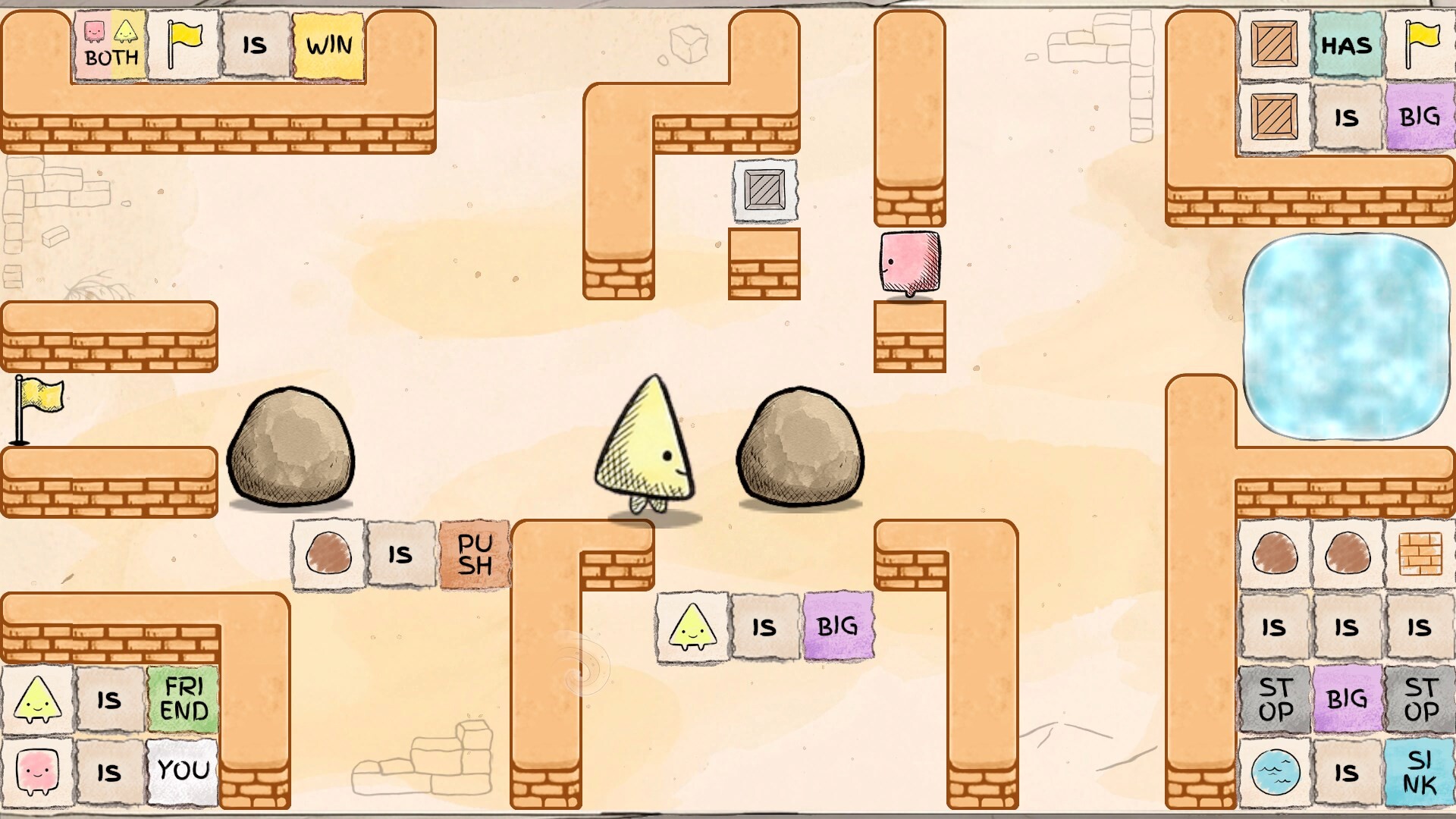
Guides teach you how to think; tools give you something to glance at mid-session without rereading a whole essay. For Me and You, that means bindings for keyboard and controller players, Steam’s lightweight system requirements for Windows and macOS, and a careful glossary of rule words you are likely to meet in this Baba-inspired co-op puzzle.
Use this hub alongside the Guides Hub and the Wiki Overview. Nothing here invents post-launch patch data—only practical references for demo play and the November 25, 2026 launch.
Tool index
Controls
Keyboard and controller notes with emphasis on Steam’s full controller support. Share this page when one of you is on pad and the other on keys so callouts stay synchronized.
System Requirements
Windows and macOS minimums as listed on Steam (Any CPU / Any GPU style requirements), plus practical advice for Remote Play hosts and dual-machine online sessions.
Rule Glossary
Plain-language definitions for YOU, WIN, STOP, PUSH, and related patterns framed for Me and You. Clearly marked as demo-coverage and Baba-inspired helpers—not an official exhaustive dictionary from PMF Top Joy Games.
Suggested toolkit for a co-op night
- Pin controls on a phone.
- Keep rule glossary on a second monitor or browser tab.
- Open co-op tips only when communication stalls.
- Fall back to the demo walkthrough for Chapter 1 nudges.
- Check updates once per week as launch approaches.
How these pages stay honest
- Controls describe expected support categories; exact glyphs can vary with Steam Input templates—rebind in-game if needed.
- System requirements quote Steam’s published “Any”hardware lines and remind you that a free demo is the best compatibility test.
- Glossary refuses to pretend every Baba Is You word exists in Me and You. When unsure, experiment in the demo and amend your tabletop notes.
Pairing tools with learning paths
| If you are” | Open these first |
|---|---|
| Brand new | Getting Started, Controls, How to Play |
| Teaching a friend | Rule Glossary, Co-op Tips |
| Checking a low-spec laptop | System Requirements, then the free demo |
| Racing the calendar | Updates Hub, Links Hub |
Contribute by playing carefully
As the full game ships, this hub may grow with screenshot-backed binding tables, achievement trackers, or printable rule cheatsheets. Until then, treat the demo as your laboratory: if a word appears that is missing from the glossary, note the level name and screenshot it for later wiki expansion.
Reference pages should feel boring in the best way—always there, rarely wrong, never padded with fake codes or rumor patch notes. Grab what you need, push some words, and bring your partner back when the next rule refuses to parse.
Frequently Asked Questions
Quick answers to the most common questions.
Where are keyboard and gamepad bindings?
See the dedicated controls page. Me and You lists full controller support on Steam.
Can my old laptop run the game?
Steam lists very light minimums (Any CPU/GPU). Verify with the free demo and read system requirements.
Is the glossary official?
No. It is a fan helper based on Baba-inspired patterns and demo coverage. Details and caveats are on the rule glossary page.
Where are gameplay walkthroughs?
Those live under Guides, especially the demo walkthrough.